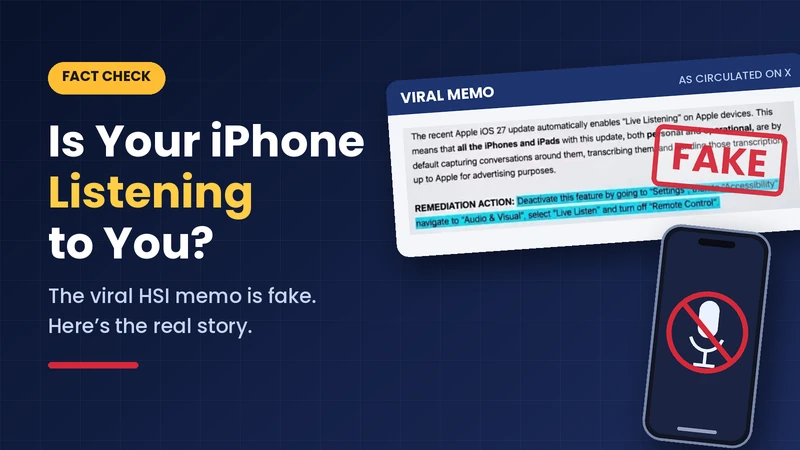
On Nov. 17, an image started circulating on X that claimed to be a memo from Homeland Security Investigations in Chicago. It told staff that the iOS 27 update had automatically turned on “Live Listening,” and that iPhones and iPads were now capturing nearby conversations, transcribing them and sending the text to Apple for advertising. The fix, it said, was to switch off a setting called “Remote Control.”
It spread fast. Here’s what holds up and what doesn’t.
What Live Listen actually is
Live Listen is an old accessibility feature. It turns your iPhone into a remote microphone and streams the sound to your AirPods or compatible hearing aids. AirPods support has been there since iOS 12.
The “Remote Control” option is newer, added in iOS 26 (not iOS 27). It lets an Apple Watch, or another iPhone or iPad signed into the same Apple Account, start and stop Live Listen and view live captions. Nothing in it sends transcripts to Apple for ads, and nobody has shown evidence that it does. Snopes rated the viral warnings “mostly false.”
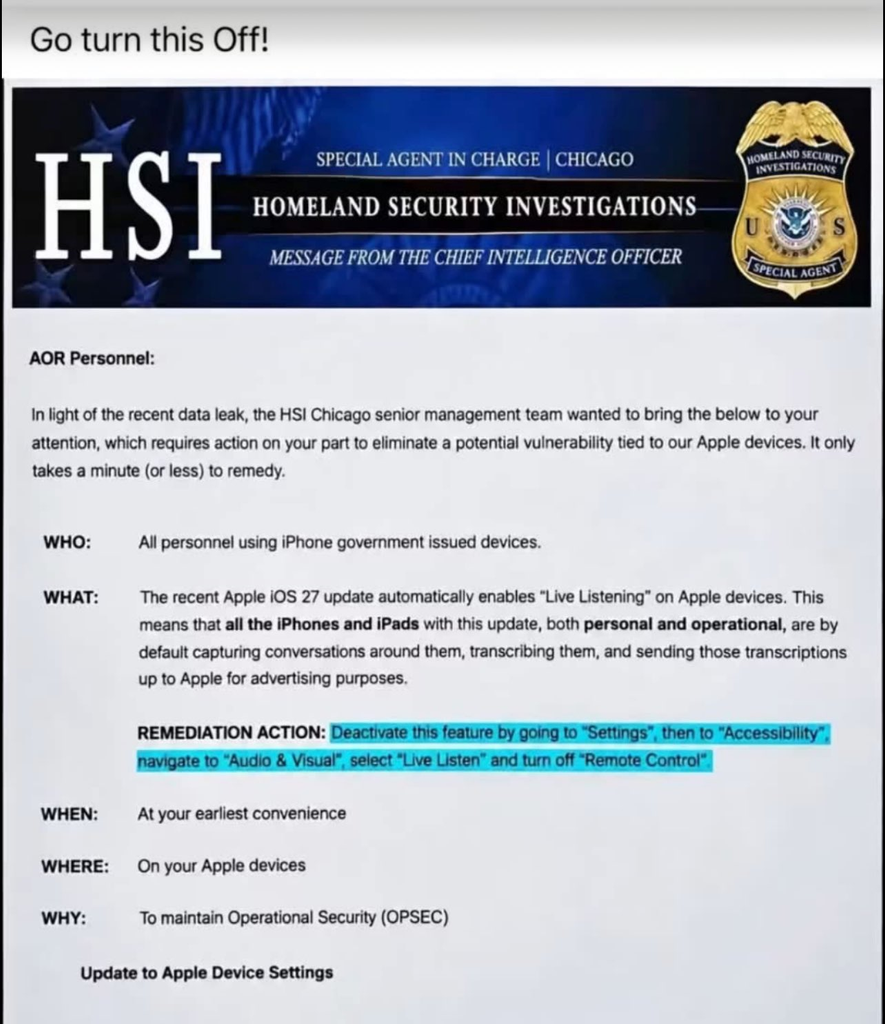
Is the memo real?
Probably not. Lead Stories ran the image through four AI detectors, and all of them flagged it as very likely AI-generated; one also found an invisible watermark indicating it was made or edited with OpenAI. As of its report, DHS and Apple hadn’t responded, and I found no statement from HSI either way. Detectors aren’t proof, so the careful wording is “unverified and flagged as likely AI-generated.” One small tell: the memo says “Audio & Visual,” but the actual menu is called Audio & Video.
What’s still worth knowing
Some users say Remote Control was already on when they checked, and Apple doesn’t publish its default settings, so I can’t confirm whether an update switched it on. The realistic risk isn’t Apple eavesdropping. It’s a shared or compromised Apple Account, since anyone signed into the same account could start a session.
If you don’t use Live Listen, switching it off is cheap hygiene: Settings > Accessibility > Audio & Video > Live Listen > Remote Control.
The takeaway
Before you repost an official-looking screenshot, look for the original document, a named source and a second confirmation. This one had none of those.
Sources: Lead Stories fact check · Snopes · Six Colors
Leave a Reply